What Interaction Design Is
Screens are only the part you can see. Interaction design is the shape of the conversation between a person and a system.
What Interaction Design Is
Ninety minutes in San Francisco
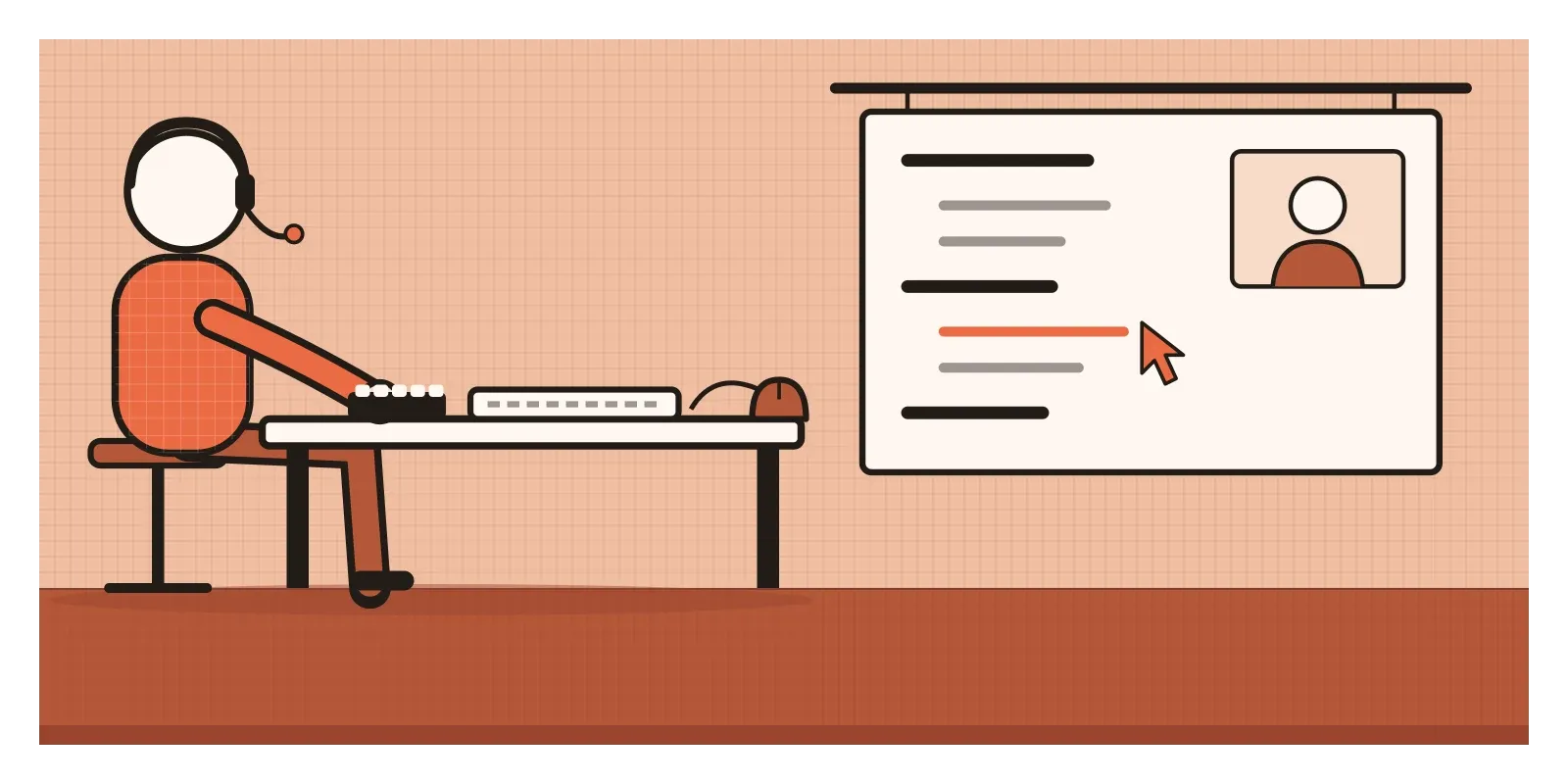
On 9 December 1968, at the Fall Joint Computer Conference in San Francisco, an engineer called Douglas Engelbart sat down at a small console in front of roughly a thousand computer professionals. He wore a headset, and in front of him were a keyboard, a five-key keyset for his left hand and, under his right, a small box on wheels with buttons on top. An enormous projected screen showed what he saw. The computer itself was about thirty miles away, at the Stanford Research Institute in Menlo Park, connected by leased telephone lines and a video link that his colleague Bill English had arranged.
Engelbart started with something deliberately ordinary. He typed out a shopping list, with things like bananas and soup on it, then moved the items around, grouped them into categories, folded some of the categories away and opened them again. Then he pointed at a word with the little box and jumped straight to another document linked to it. Later, colleagues in Menlo Park appeared in a window on the screen and edited a document with him, live. Somewhere in the middle he paused to explain the box on wheels. "I don't know why we call it a mouse," he said. "Sometimes I apologise. It started that way and we never did change it."
When the ninety minutes were over, much of the audience stood and applauded. The event is now nicknamed the Mother of All Demos, and it's usually remembered for its inventions. But what stunned people wasn't any single device. It was a new way of behaving with a computer. You pointed, and something answered. The machine was having a conversation with a person in real time, at the speed of a hand.
That conversation, between people and the systems they use, is what interaction design is about. It's the design of behaviour: what a thing does when you touch it, wait for it, ignore it or get it wrong, and how it tells you so. This post opens a new section of Thoughtcloud, "The Physics of Interfaces", which will run for over a hundred posts. We'll start with the core vocabulary (affordances, signifiers, feedback, mapping, constraints), then the laws designers quote and the psychology underneath them, the everyday patterns of screens, time and motion, newer interfaces like voice and cars, and a long stretch on accessibility.
Two Bills and a name
Engelbart didn't call his work interaction design. He called it augmenting human intellect, the title of a report he had written in 1962. Around 1980, the British designer Bill Moggridge was asked to design the case for a portable computer for GRiD Systems. The result, the GRiD Compass, was a slim black machine with a screen that folded down over the keyboard, and it is widely regarded as the first laptop. But when a working prototype arrived, Moggridge noticed something odd. Within minutes he had forgotten the case he'd designed and was absorbed in the software. Designing someone's experience of the machine, he realised, meant designing how it behaved, not just how it looked.
In the mid-1980s, Moggridge worked with Bill Verplank, a mechanical engineer who had spent eight years at Xerox testing and refining the Star workstation, one of the first computers with a desktop, icons and a mouse. Their first name for designing software behaviour alongside physical form was "soft-face", short for software user interface. It didn't last. Interaction design did.
Gillian Crampton Smith, who built the Computer Related Design programme at the Royal College of Art and later founded the Interaction Design Institute Ivrea in Italy, described the field as working in four dimensions: words, such as button labels; visual representations, such as icons and type; physical objects or space, like the mouse or your fingertip; and time, everything that changes, moves or plays. The designer Kevin Silver later added a fifth: behaviour, how all of these combine into what a person does and how the system responds.
Two things are often misunderstood. The first is that interaction design is about screens. Moggridge came to it from a physical object, and the questions apply as well to a lift button as to an app. The second is that it's the same as visual design or user experience. Visual design is about how a screen looks at a moment. User experience is broader, everything a person meets around a product, including the service and the price. Interaction design sits in between. In the post on form follows function, I wrote about Louis Sullivan's famous phrase. On a screen, the function is a behaviour you can't see until it happens, one action and one response after another.
A conversation with a machine
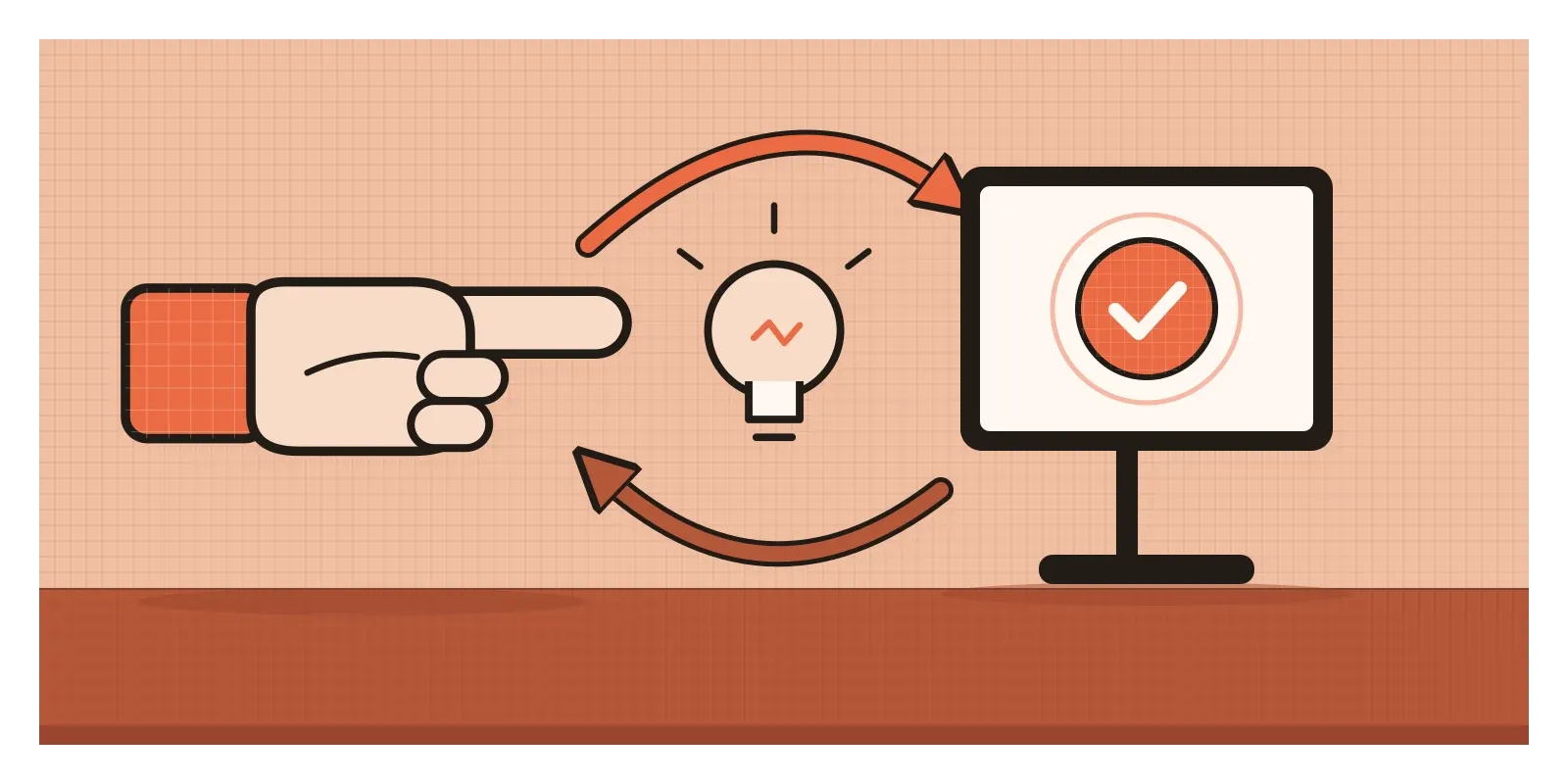
Bill Verplank had a lovely way of boiling all this down. He would sketch three questions for his students. How do you do? That's the action: the handle you grab, the button you press. How do you feel? That's the feedback that comes back to you, and the emotions it carries. How do you know? That's understanding, the map in your head of how the whole thing works and what to do next. Every interaction, from a light switch to a banking app, answers all three.
Why does this loop matter so much? Because we learn about the world by acting on it and watching what happens, from the start of life. In 1969, the psychologists Carolyn Rovee-Collier and David Rovee published a simple experiment: a soft ribbon ran from a baby's ankle to a mobile hanging over the cot. In studies like this, three-month-old babies work out within minutes that kicking makes the mobile move, and they start kicking several times more often than before. A good interface plugs into that instinct. A bad one breaks it, by answering late, vaguely or not at all.
The anthropologist Lucy Suchman showed what happens when the loop breaks. At Xerox PARC in the early 1980s, she filmed first-time users of a photocopier fitted with an "expert" help system that guided them through each job by following a plan. Her book Plans and Situated Actions (1987) describes how people kept getting lost. The machine assumed they were following its plan. In fact they were improvising, reacting to what they saw, and the machine couldn't tell. People act in situations, not from fixed plans, so a system that can't read the situation has to show its own state very clearly instead.
I should be honest about the evidence here. Interaction design isn't a single law of nature. It's a practice built on findings of different strengths, from solid ones about how fast we point at things to looser rules of thumb. I'll try to say which is which.
Two phones and a little speaker
The best Indian example of interaction design I know is something most of us do several times a day without thinking: paying a shopkeeper by UPI. The Unified Payments Interface was launched by the National Payments Corporation of India in April 2016, and in August 2025 it passed 20 billion transactions in a month for the first time, many of them small payments at kirana stores and chai stalls.
Look carefully and the interaction involves two people and several systems. The shopkeeper puts up a printed QR code. The customer opens any UPI app, scans, types the amount, enters a four or six digit PIN and sees a green tick. The payer's half of that conversation is well designed. But for years, the shopkeeper's half was awkward. Busy at the counter, they couldn't keep checking their phone, so they often had to trust the customer's screen, and fraudsters exploited that with fake payment screenshots.
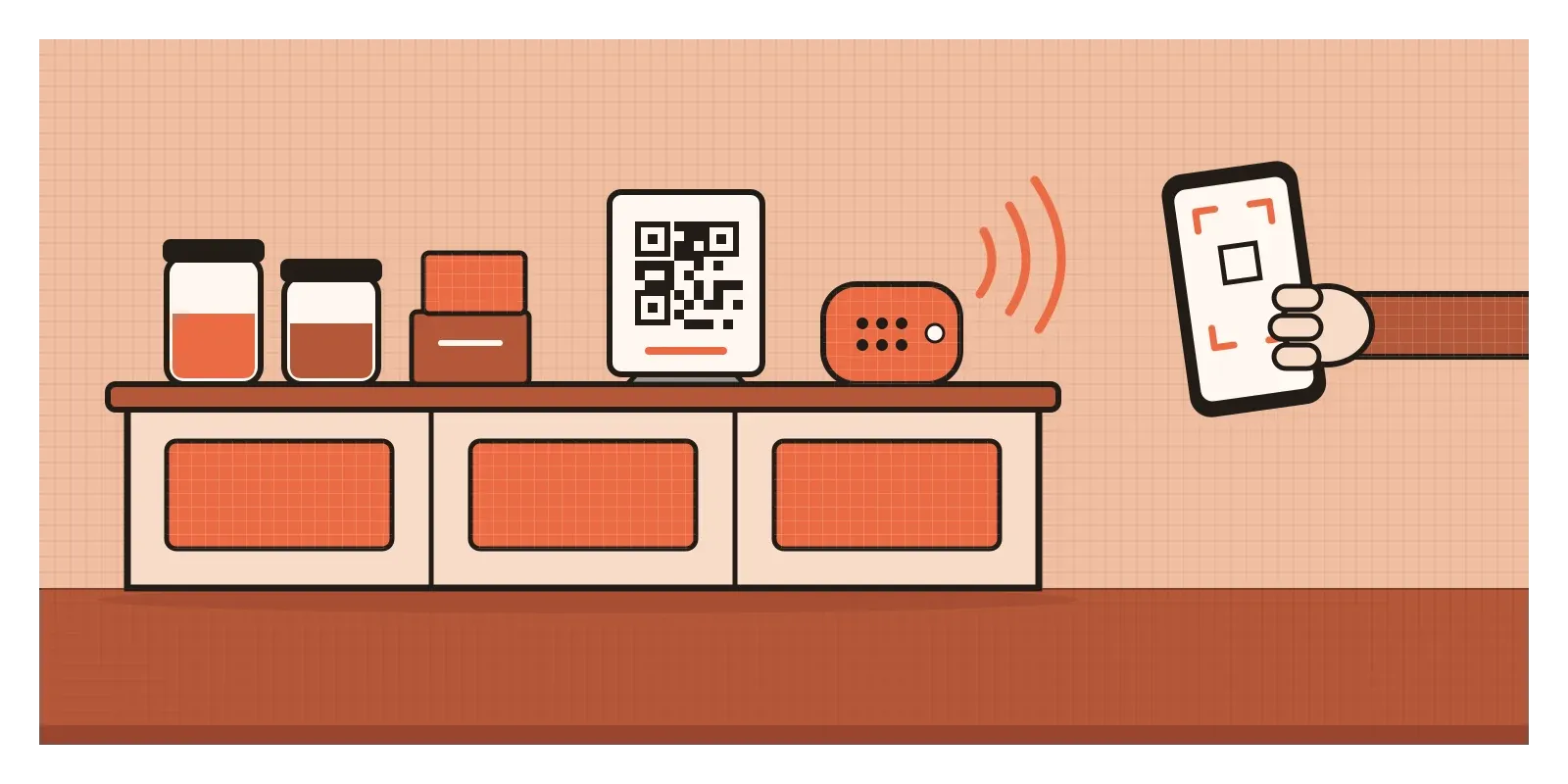
The answer was a small box with a speaker. Around 2020, Paytm and BharatPe began offering devices and features that announce every payment aloud, the amount spoken clearly in the shopkeeper's chosen language, and PhonePe, Google Pay and banks followed with their own. Nothing about the payment changed, only the interaction for the person behind the counter. The shopkeeper can keep weighing onions and still know that ₹60 has arrived, and the customer hears the same confirmation at the same moment.
A team that designed only the payer's app, however beautifully, would have missed half the interaction. The behaviour that needed designing lived between two people, a QR code and a speaker on a crowded counter.
Picture a clinic booking app
Picture a small neighbourhood clinic that wants an app for booking appointments with its two doctors. The first version is a set of static screens: doctors, a calendar, a grid of time slots and a "Book" button. They look tidy, but they only answer "what will people see?" Interaction design asks "what will happen?"
So I'd walk through it as a conversation. A patient taps the 10:30 slot. What do they feel at that moment? The slot should change immediately, filled in orange, so they know the tap landed. Should it be booked right away or held? Holding it for a few minutes, with the time shown, lets them check details safely. If someone else books 10:30 while they decide, the app should say so plainly and offer the nearest free slots, not fail with a vague error.
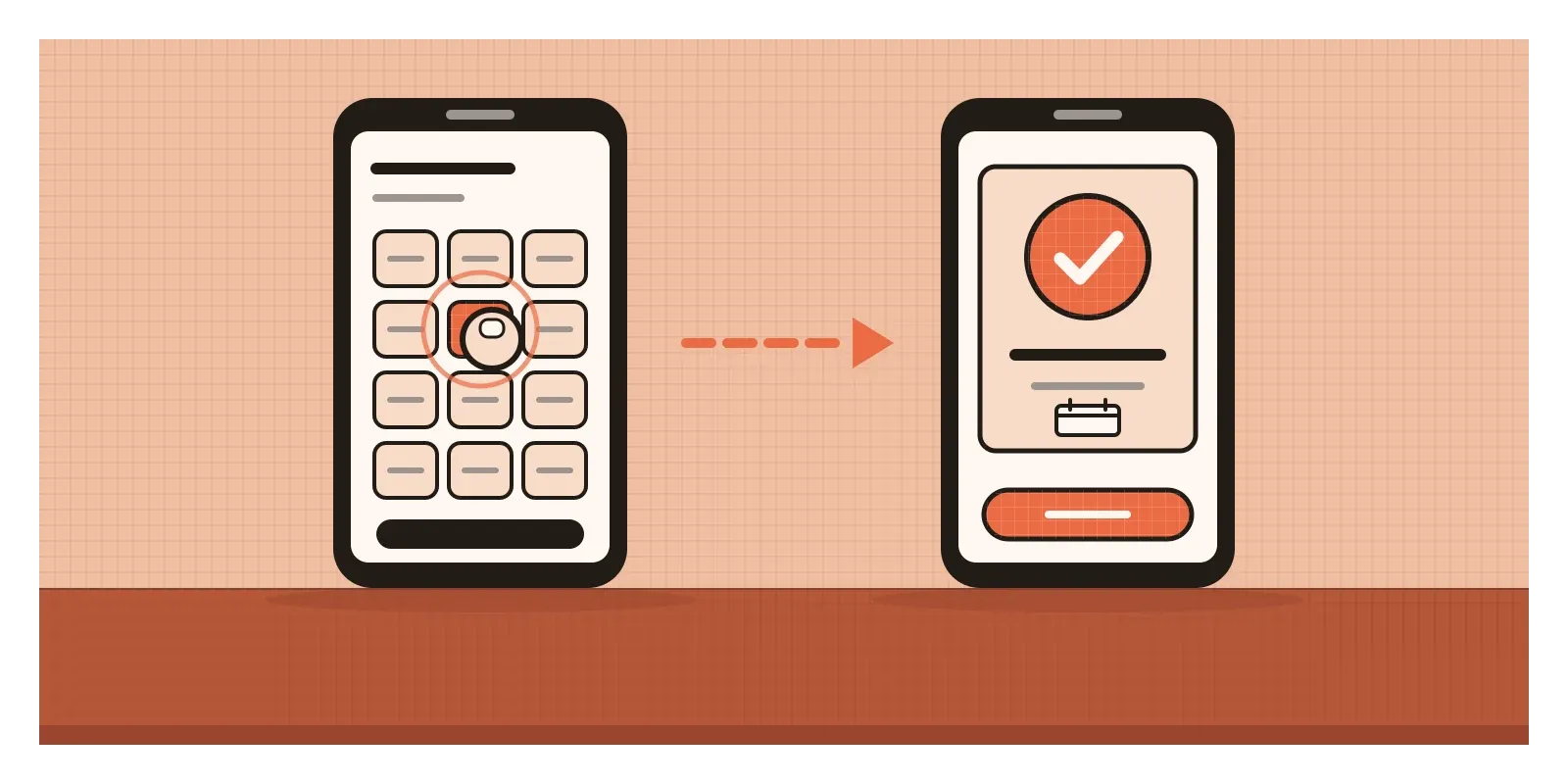
Then the parts nobody draws. The network drops just after they press "Book". The app should know whether it went through, and say so. The confirmation should also arrive by SMS or WhatsApp, where many patients will look for it on the day. A reminder the evening before should let them cancel with one tap, freeing the slot. The receptionist needs her own view too, so walk-in patients and app bookings don't collide at 10:30.
None of this is visible in the first screens, and all of it decides whether the app works. Verplank's questions make a good checklist. How does a patient do each step? How do they feel, at each moment, that it worked? How do they know what happens next?
When the behaviour is the trap
If interaction design shapes behaviour, it can shape it against people too. In 2010, the British designer Harry Brignull coined the term "dark patterns" for interfaces built to trick people, such as subscriptions that take one tap to start and twelve to cancel, or countdown timers that reset when you reload. These are carefully designed interactions, which is why they work. India took this seriously in November 2023, when the Central Consumer Protection Authority issued guidelines that name thirteen kinds of dark pattern and prohibit them on platforms selling goods and services in India. I'll return to the ethics of persuasion in the posts on nudges and gamification.
There are quieter ways to go wrong. One is to design only the happy path, the flow where everything works, and leave errors, delays and cancellations to whoever builds it. A third is the word "intuitive". In 1994, the interface designer Jef Raskin wrote a short note in Communications of the ACM titled "Intuitive equals familiar". His argument was that when people call an interface intuitive, they usually mean it works like something they already know. That's the logic I described in the post on skeuomorphism, and it's worth remembering, because what is familiar to a designer in Bengaluru may not be familiar to a first-time smartphone user in a small town.
And interaction design can't save a broken service. If the clinic has no free slots for three weeks, a smooth booking flow only helps people discover that faster.
Write the conversation first
When I design anything interactive now, I try to write the conversation before I draw the screens. A rough script in plain words: the person does this, the system says that. Then I list every state each screen can be in: empty, loading, full, wrong, offline, done. Only then do I open a design tool, and the screens usually come out simpler.
Here's a small exercise for this week. Pick an everyday interaction you do without thinking, such as booking a gas cylinder refill, recharging a metro card or paying an electricity bill. Write it down as a dialogue between you and the system, including every moment you hesitate or wait. Then mark the line where the system went quiet when you needed it to speak. That silence is where the design needs work.
In the next post, on affordances, we'll look at the very first line of any interaction: what an object or a screen allows you to do before you've touched it at all. Engelbart's audience had never seen a mouse, yet within ninety minutes they understood it, because every movement of a hand got an answer.
Further reading: Bill Moggridge, Designing Interactions (2007) · Lucy Suchman, Plans and Situated Actions (1987) · Dan Saffer, Designing for Interaction (2006) · Alan Cooper, About Face (1995)
The testCan you describe, step by step, what this screen does when someone taps, waits or makes a mistake?